


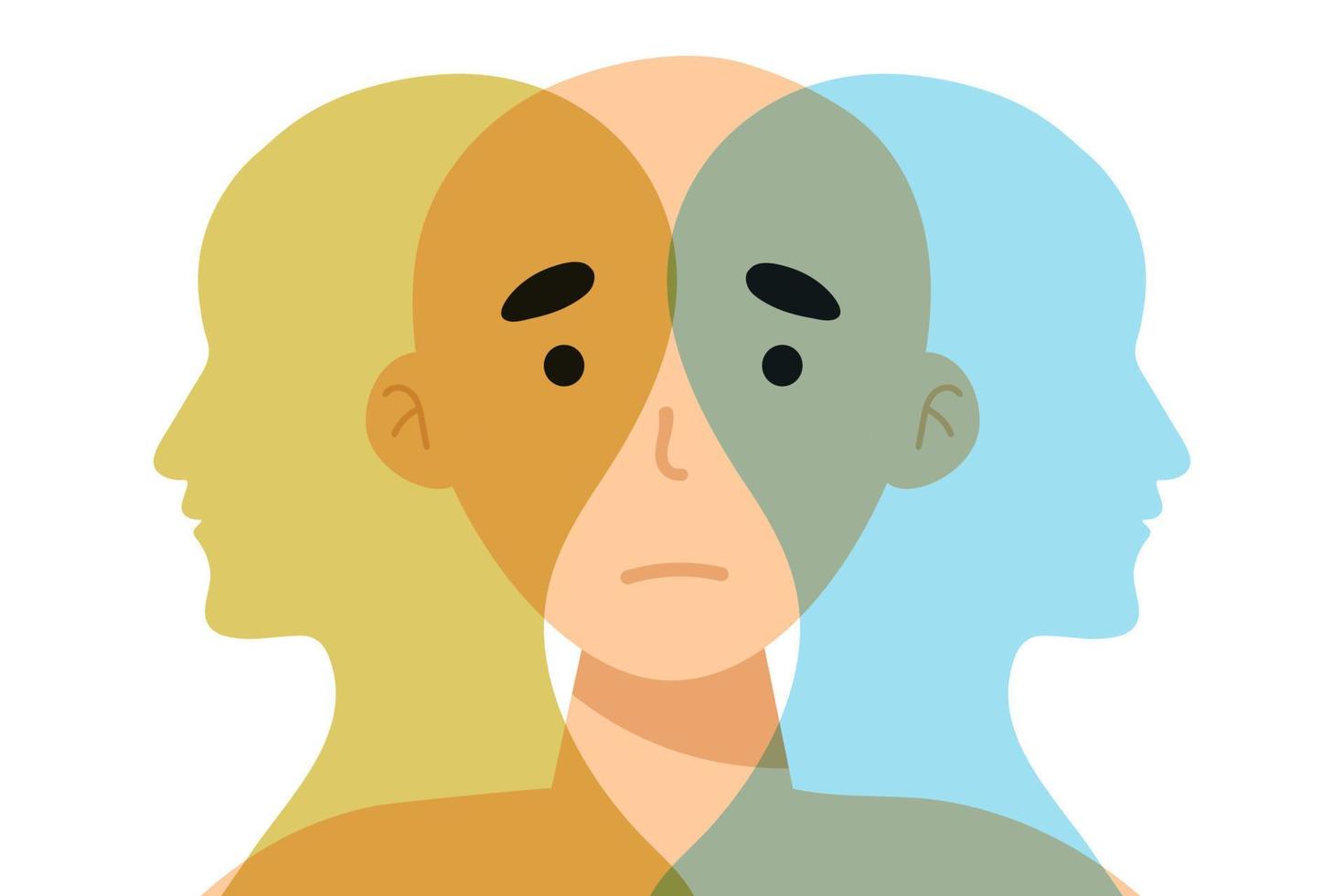
Everyone wants a balanced, attractive face, but too much symmetry often backfires. Faces that are edited to be perfectly mirrored can feel stiff and artificial, losing the natural charm that makes them human. That’s where RetouchMe comes in helping you refine features without erasing personality. Even subtle changes, when applied intelligently, can make a huge difference between a polished, natural look and something that feels uncanny.

Understanding Natural Asymmetry
Subtle asymmetry is part of what makes a face look lively. Your eyes might be slightly different sizes, one cheek a bit higher, or your smile leaning ever so slightly to one side. Perfect mirroring eliminates these nuances, creating an uncanny effect that people notice subconsciously.

Signs your edits may be too symmetric include:
- Eyebrows or eyes that are unnaturally identical in shape and height.
- Cheeks and jawlines that appear unnervingly even.
- Facial expressions that feel flat or lack dimension.
- Skin textures or lines that repeat unnaturally across both sides.
Recognizing these pitfalls is the first step toward keeping retouches realistic. Once you know what to look for, even small adjustments can preserve natural charm while subtly enhancing symmetry.
Smart Adjustments That Preserve Character
Instead of mirroring everything, aim for adjustments that enhance symmetry gently. Small tweaks can make a face appear more balanced while retaining its unique traits.
Here’s a simple approach to avoid over-symmetry:
- Balance subtly, don’t perfect: Adjust minor unevenness in facial features while keeping natural differences that add personality.
- Enhance, don’t overwrite: Smooth or lift areas like cheeks, jawlines, or eye shapes, but avoid making both sides identical.
- Respect natural expressions: Keep quirks like a raised eyebrow, dimples, or a slight smile tilt intact.
- Check proportions gradually: Make adjustments in small increments and compare both sides for a realistic result.
- Rely on professional expertise: Using RetouchMe ensures skilled editors enhance balance while maintaining natural authenticity.
Following these steps helps you refine your face without creating an artificial look. Even small changes can transform an image from stiff to effortlessly polished, giving photos a lively, approachable feel.
The Art of Subtlety
The most appealing results come from tiny, thoughtful adjustments rather than drastic changes. Human faces are inherently asymmetrical, and over-correcting removes warmth and natural appeal. By focusing on small enhancements a gentle jawline tweak, slight smoothing, and careful eye alignment you maintain a lifelike look while improving overall aesthetics.
Using RetouchMe or similar careful approaches ensures your photos highlight your best features without turning them into artificial copies of themselves. The goal is refinement, not perfection, giving images a polished but believable appearance. Subtle edits give faces character and depth, keeping your online presence natural and engaging.